How do I activate my account on my Android device?
Published Jan 28, 2021 · Updated Aug 13, 2026
First to activate your account please download the Betternet app on your Android device by going to the Google Play Store.
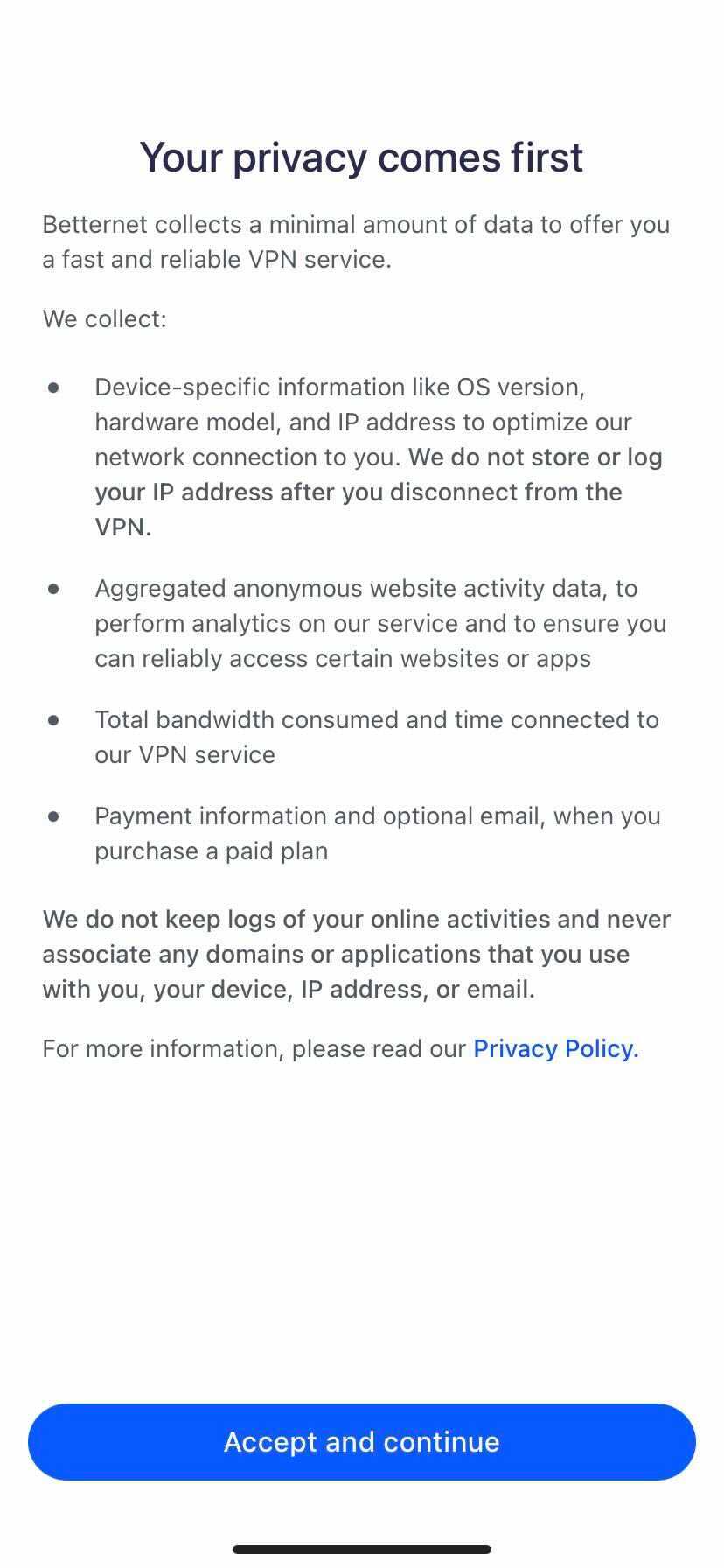
Once you have downloaded the app, open it up and you will be prompted with a screen for our Privacy Policy. Please tap on accept and continue.
Please tap on the X on the top right corner.

Proceed to click the 3 lines at the top left and click sign in.

Once you placed your email in, a magic link will be sent to your email. IMPORTANT: Please note that you must activate your account by going to your email and linking the device.

From your email when you select "link device" you will be redirected to open the app. Thereby successfully creating your account.

From here your account will be activated and you will be able to use and connect to Betternet VPN.