How do I uninstall Betternet from my iOS device?
Published Jan 28, 2019 · Updated Aug 13, 2026
*For iOS 12 and above*
To completely uninstall Betternet from your iOS device:
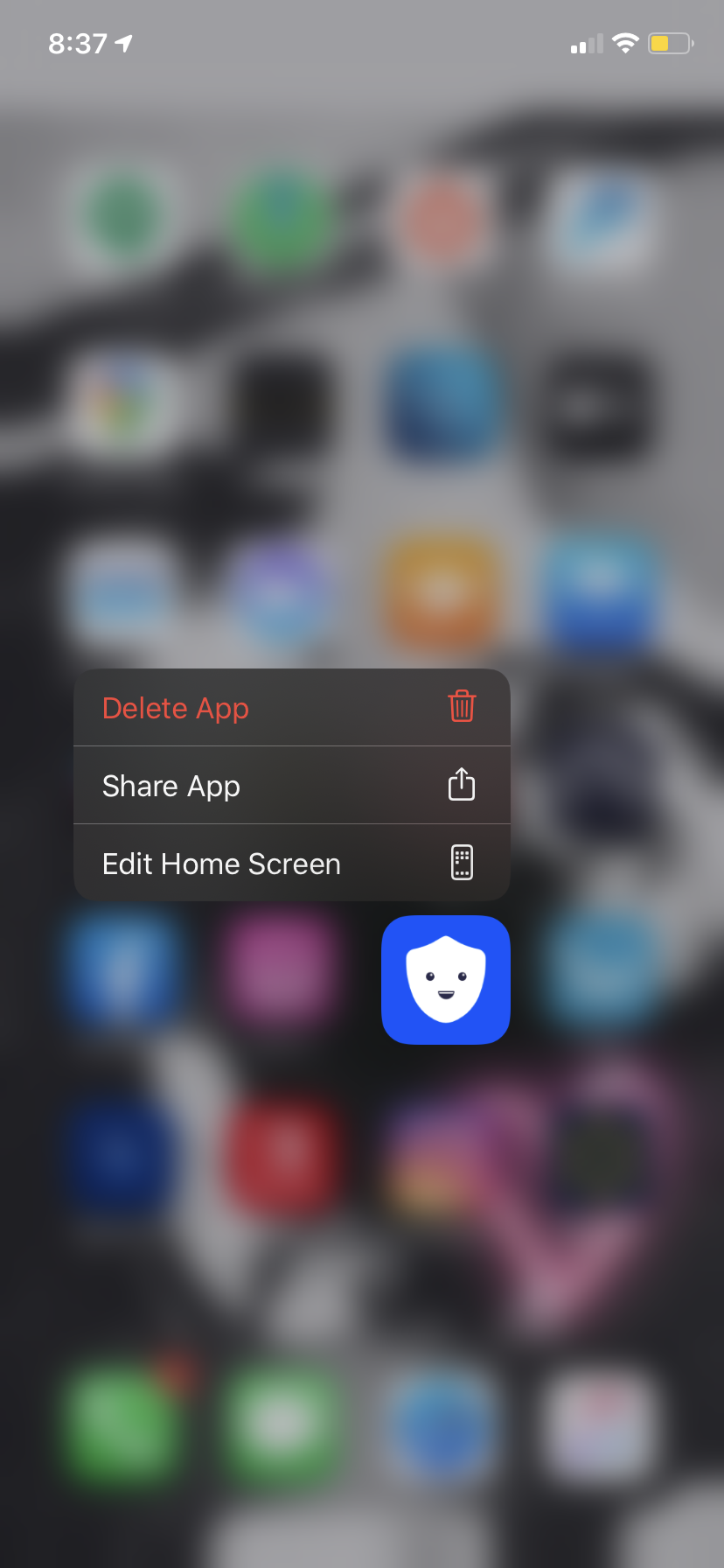
Touch and hold the Betternet application icon until you see options for the application
Tap the delete app option to uninstall the application
Reboot your device to remove any VPN profile left (if any)
The configuration profile will be automatically removed along with the application and you don't need to do it manually as it is done with previous versions.